Regulatory
FSSAI Registration
Food licence registration and renewal support.
5–10 days CA reviewed
Employer registration under PF and ESI.
Not sure if this is what you need?
Tell us what's going on. A CA can help you figure out the right next step — ₹49 CA Quick Check.
*Processing time refers to Bluman's internal processing after all required information and documents are received. External, government or third-party delays are excluded.
All three plans deliver the same professional quality, accuracy and final output. The difference is the service experience — processing speed, priority handling, communication and support.
Applicability assessment, employee-data preparation, portal registration and initial contribution setup.
What this service is
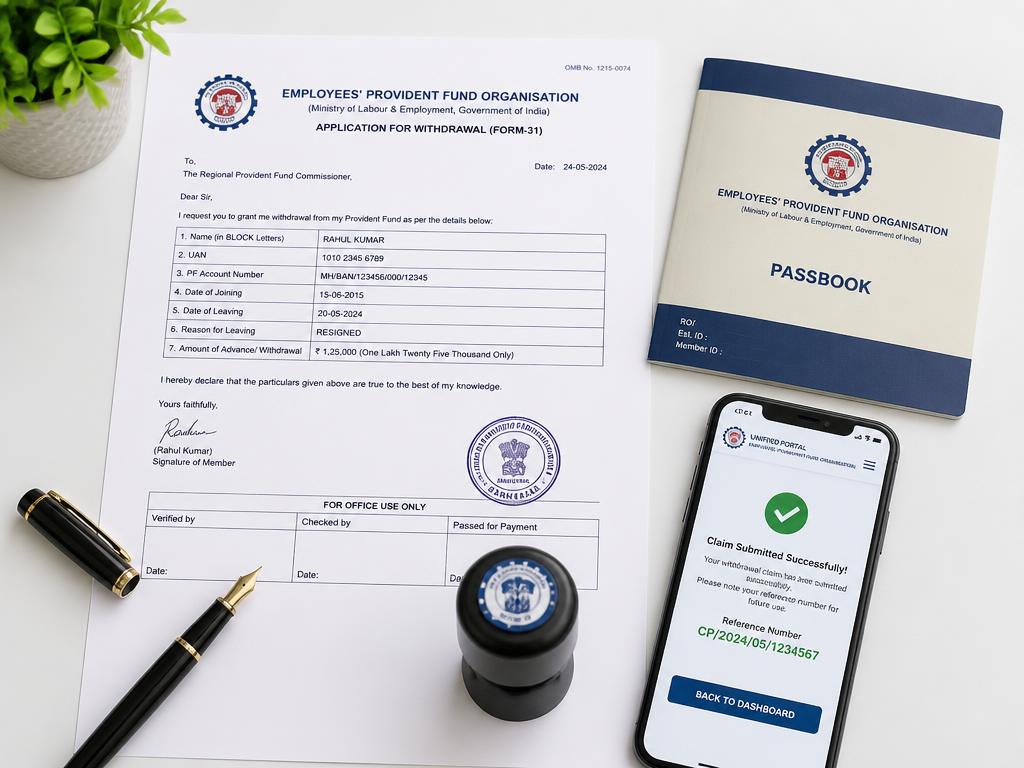
Employer registration under PF and ESI. Delivered end-to-end by Bluman's Chartered Accountants with a fixed scope and a published price.
Who needs it
Employers crossing the employee-count thresholds under the provident fund and employees' state insurance laws, and employers registering voluntarily because a client, tender or funding requirement demands it.
What Bluman will do
Key deliverables
Registration is generally completed within the stated turnaround once the employee master and digital signature are ready.
EPFO employer registration
Establishment registration on the Shram Suvidha / EPFO portal.
ESIC employer registration (Form 01)
Employer registration under the ESI Act.
AGILE-PRO-S
Route through which EPFO and ESIC registration is obtained at incorporation for a new company.
| Essential | Priority | Concierge | |
|---|---|---|---|
| Price | ~20% lower | Base | ~20% higher |
| Quality | Same | Same | Same |
| Speed | Standard | ~20% faster | ~50% faster |
| Handling | Standard | Priority | Highest |
| Communication | Standard | Priority | Premium |
| Order open | Standard | 15 days | 30 days |
| Post-sales | 15 days | 30 days | 60 days |
| Coordination | Standard | Enhanced | Premium |
An order ID is generated only after your payment is verified — every stage is then tracked live in your dashboard.
What is an Open Order?
Even after a service is marked Completed, your order stays open for follow-up. You can reopen the same ticket for clarifications or related queries within the access window of your plan — the original order details, documents and full history are retained, and no duplicate order is created.
Food licence registration and renewal support.
Monthly PF and ESI computation and returns.
Advisory on inbound investment and FEMA compliance.
Regulated services including certifications, attestations and statutory filings are performed or reviewed by appropriately qualified professionals as required by law. Government fees, portal charges and taxes are billed at actuals.